Time blocking app without subscription: what to use
Published on 6/10/2026

If you want a time blocking app without subscription, the right fit is a tool that lets you plan your day once, keep your calendar in sync, and pay once instead of adding another monthly bill. On a Mac, Chunk is built around that exact trade-off: a free trial, then a one-time licence for a menu-bar time-blocking workflow.
The important question is not just pricing. A cheap calendar app can still waste your attention if it makes you switch windows, rebuild the same plan every morning, or copy events between calendars by hand. A good no-subscription time-blocking app should make planning faster than avoiding the plan.
This guide focuses on the practical buying decision: what to expect from a one-time-licence time blocker, what you should not compromise on, and how Chunk fits if your main problem is planning your day on macOS without renting another productivity tool.
What should a time blocking app without subscription do?
A time blocking app without subscription should still cover the core job: turn your tasks, meetings, and focus time into a visible schedule. The licence model should remove recurring billing, not strip out the planning features that make time blocking work.
At minimum, look for fast block creation, easy editing, calendar visibility, reusable structures, and a timer that keeps the current block visible. If you need a separate calendar window, a separate timer, and a separate task list, the app may be cheaper on paper but more expensive in attention.
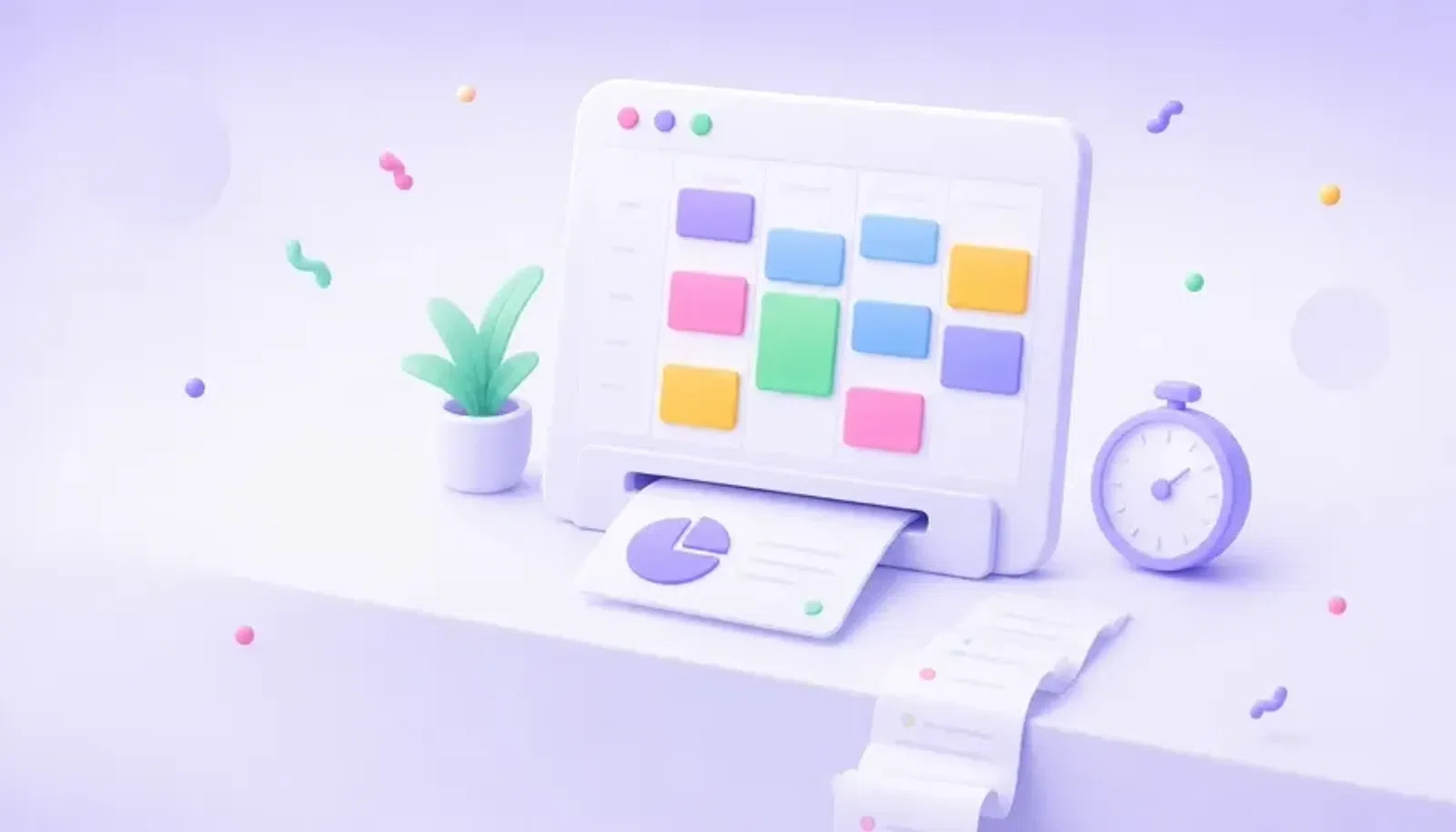
Chunk keeps those pieces together on macOS. You can open it from the menu bar, create and edit blocks on a vertical day timeline, apply templates, sync Google, Outlook, and Apple Calendar both ways, and watch a live countdown from the system tray. The direct version is sold with a free trial and then a one-time paid licence, so the pricing model matches the workflow you came looking for.
Why do subscriptions feel wrong for time blocking?
Recurring subscriptions can make sense for cloud-heavy tools, team systems, or services that run large server-side features. Time blocking is often more personal and more local: you want a clear plan for today, fast access while you work, and reliable calendar sync when meetings move.
The frustration starts when a simple daily habit becomes another open-ended bill. If your time-blocking app mostly helps you arrange your own day, it is fair to ask whether that should be rented forever. That is the gap one-time-licence tools fill.
The trade-off is that not every one-time purchase will include everything a subscription planner includes. Some apps are simple visual calendars. Some are task managers with a calendar add-on. Some are mobile-first. If you are choosing for macOS, prioritise the parts that affect the habit every day: speed, visibility, calendar sync, and a pricing model you can accept. For a broader view of Mac options, see the best time blocking app for Mac.
How does Chunk avoid the subscription trade-off?
Chunk’s direct version uses a simple licence path: try it first, then buy a one-time paid licence if it fits your day. The app itself is macOS only, so it can lean into native behaviour instead of spreading across every platform.
The menu-bar panel is the centre of that design. You can open your day with the default Cmd+/ shortcut, even over fullscreen apps, and adjust blocks without switching into a full calendar app. That matters because time blocking breaks down when the plan is hidden behind friction.
Chunk also keeps your real calendar in the same workflow. Google Calendar, Outlook Calendar, and Apple Calendar events can appear alongside your Chunk blocks, and edits can sync back to the source calendar when write access is enabled. If you want a read-only moment, a lock toggle can freeze external events. That makes the app useful as your working schedule, not just a decorative plan next to the calendar you actually trust.
What features matter more than a low price?
A low price helps, but the habit only sticks if the app reduces decisions. Time blocking asks you to decide what happens now, what happens next, and what can wait. The tool should make those decisions visible, not bury them behind setup.
Start with editing speed. You should be able to drag to create a block, move it when your day changes, resize it when a task takes longer, and rename it without opening a complex form. Chunk’s day timeline is built for those changes, with inline editing and colour choices limited to Indigo, Sky, Emerald, Amber, and Rose so you can categorise without over-designing the plan.
Then check whether the app supports repeatable structure. Chunk has reusable day templates and routines that can apply templates on selected weekdays. That gives you a default shape for recurring days without pretending every day is identical. If you want the method behind that habit, read what time blocking is and why time blocking beats to-do lists.
Can you time-block across Google, Outlook, and Apple Calendar?
You can, but you should be careful about what “calendar sync” means. Some apps only import events. Some show a read-only calendar layer. Some require you to manage the real event somewhere else. For daily planning, that can create duplicate work.
Chunk supports two-way sync with Google Calendar, Outlook Calendar, and Apple Calendar. External events render on the same timeline as your planned blocks, and supported edits such as moving or resizing can push back to the source calendar. Apple Calendar integration uses native macOS access, while Google and Outlook use OAuth.
This matters most when your day is a mix of meetings and self-directed work. You can block focus time around existing events, turn a task into a scheduled block, and keep the countdown tied to what is happening now. If your current calendar is Google-heavy, Google Calendar time blocking explains the baseline workflow before you add a Mac-native layer on top.
What should you avoid when choosing a no-subscription app?
Avoid choosing only by the words “lifetime” or “one-time”. Those labels do not tell you whether the app fits your actual day. A no-subscription app can still be the wrong choice if it is slow to open, weak at calendar sync, or designed mainly for a platform you do not use.
Also watch for workflow mismatch. If you want time blocking, a pure task manager may leave you with a nice list and no realistic calendar. If you want a personal Mac workflow, a team planning tool may add collaboration features you never needed. If you want manual control, an auto-scheduler may make decisions you would rather make yourself.
Chunk is not trying to be a team planner, a mobile suite, or an AI auto-scheduler. It is a single-user macOS app for planning your own day. It does include a local Claude MCP server, but that is for controlling local Chunk data through Claude Desktop, not for handing your calendar to a remote scheduling engine. For subscription-heavy comparisons, see Motion alternatives for Mac, Sunsama alternatives for Mac, and Akiflow alternatives for Mac.
Is a one-time-licence time blocker right for your Mac?
A one-time-licence time blocker is the right fit if your problem is not “I need another productivity system”. Your problem is simpler: you want to decide what today is for, see that plan while you work, and avoid another recurring bill for a private daily habit.
Choose Chunk if you want that workflow to live in the Mac menu bar, not in a browser tab you forget to check. Use templates for repeatable days, drag tasks into real time, keep external calendars visible, and let the live countdown remind you what you meant to be doing now.
If that sounds like the pricing model and workflow you wanted, try Chunk on your Mac. Start with one realistic day: add your meetings, block your first focus session, save a template if the structure is worth repeating, and decide before the trial ends whether a one-time licence earns its place in your menu bar.