7 TickTick alternatives for time-blocking on Mac
Published on 9/13/2026


Chunk is the best TickTick alternative if your main goal is to turn tasks into calendar time blocks on your Mac. It combines task lists with day, week and month schedules, then keeps your blocks in sync with Apple, Google or Outlook Calendar. You place the blocks yourself, so your calendar reflects your decisions rather than an automatically generated plan.
TickTick covers far more than basic task management, but breadth can become friction when you mainly want a clear answer to one question: when will each task happen? The seven alternatives below approach that problem differently. Some guide a daily planning ritual, some rebuild your schedule automatically, and some stay focused on task lists or calendars.
Start by deciding which part of TickTick you actually want to replace. If scheduled tasks and calendar coordination matter most, prioritise two-way calendar handling and quick block editing. If capture, habits or cross-platform access matter more, a broader task manager may remain the better fit.
What should replace TickTick for time-blocking on Mac?
A good replacement should shorten the path from an unscheduled task to protected calendar time. That means you need more than a calendar view beside a task list. You need to create or collect the task, give it a realistic duration, place it on a timeline, and revise the block when the day changes.
Judge each alternative by its planning model before comparing secondary features. Manual planners leave placement and trade-offs to you. Automatic schedulers calculate the plan, task consolidators collect work from other services, and calendar-first apps treat reserved time as events rather than scheduled tasks.
Your preferred source of truth matters too. If the task remains the central object, look for a planner that can move it between an unscheduled list and a timed schedule without duplication. If your calendar is already the source of truth, an event-first client may be enough. For a broader buying guide, compare the best time-blocking apps for Mac, or use this guide to choose a calendar app for time-blocking.
Which alternative gives you direct control over the day?
Direct planning works well when priorities change faster than an algorithm can understand them. You choose what deserves time, estimate its duration, and move it when reality changes. This style also makes trade-offs visible: placing one more task on a full afternoon forces you to decide what should move.
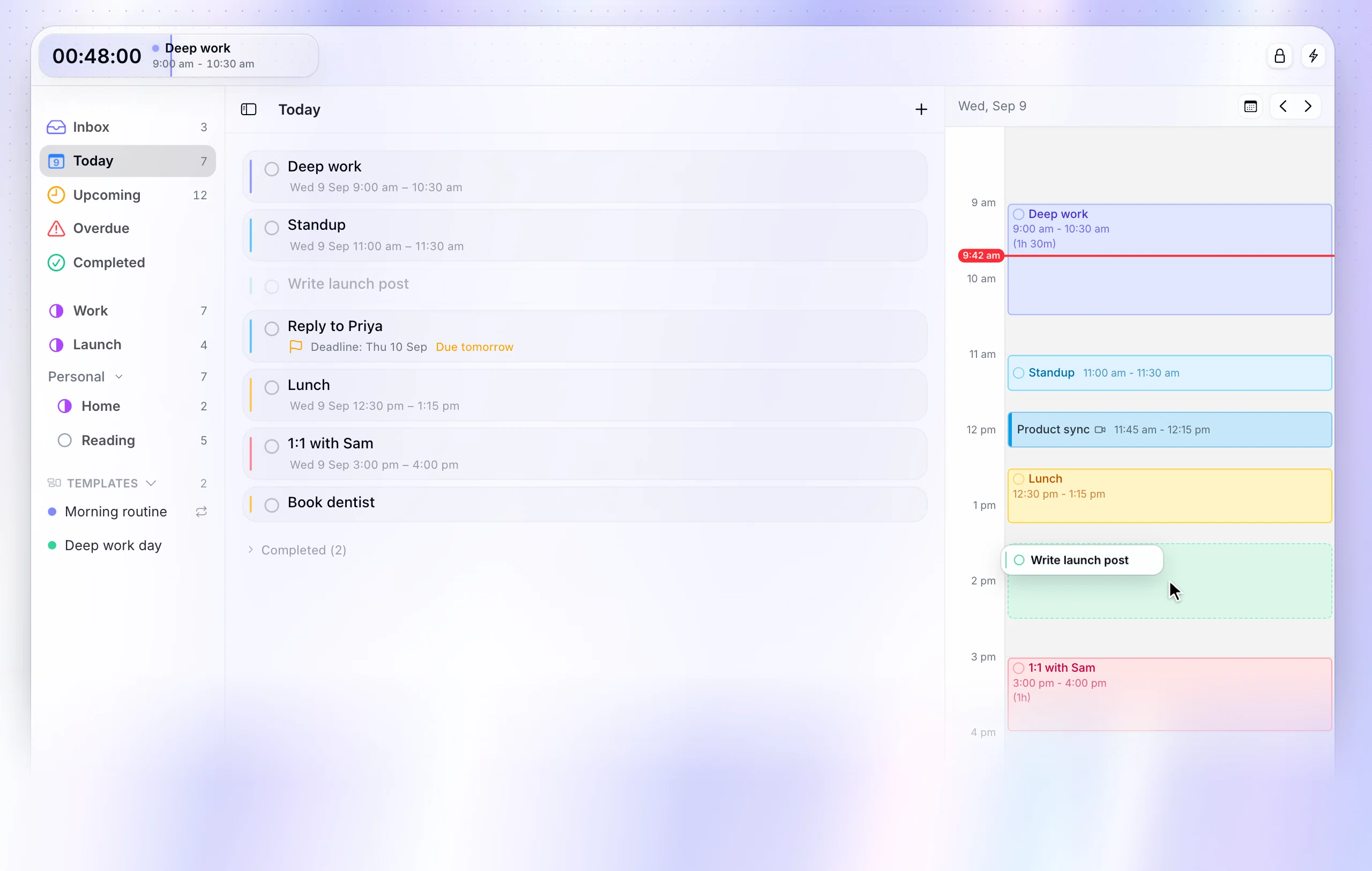
Chunk
Chunk is a time blocking app for Mac, best suited to manual task-to-calendar planning in one native workflow. Its Tasks and Schedule modes show the same work as lists and blocks, while Apple, Google and Outlook events can appear beside it with two-way editing for writable calendars. It opens from the menu bar for a quick schedule check and detaches into a normal resizable window when you need more room.
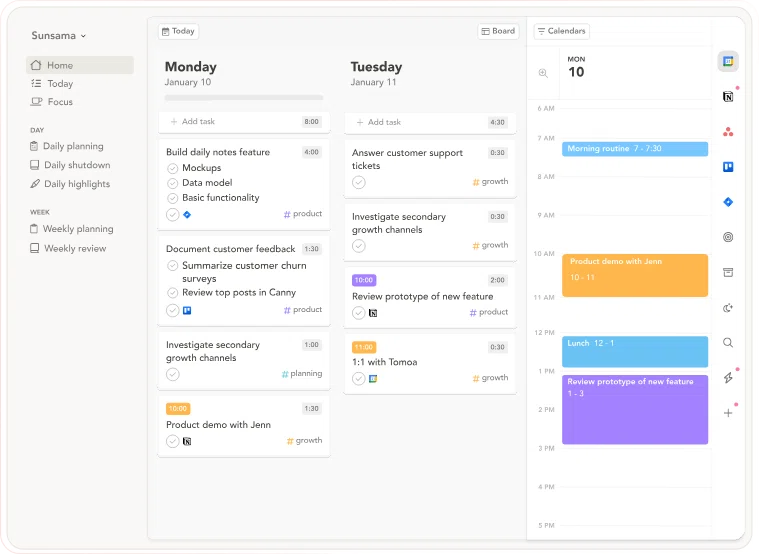
Sunsama
Sunsama is best when you want a deliberate daily-planning ritual that asks you to review priorities, estimate work and keep the day realistic. Its guided approach fits if reflection is as important as placing tasks, and its integrations can support a broader work stack than a focused Mac planner. The trade-off is a recurring subscription and a web-first experience rather than a native Mac workflow.
Which TickTick alternatives can rebuild your schedule automatically?
Automatic scheduling solves a different problem from manual time-blocking. Instead of asking you to place every task, it calculates where work should fit around deadlines, priorities and existing meetings. This can reduce daily planning effort, but it also means accepting calendar changes made by the system.
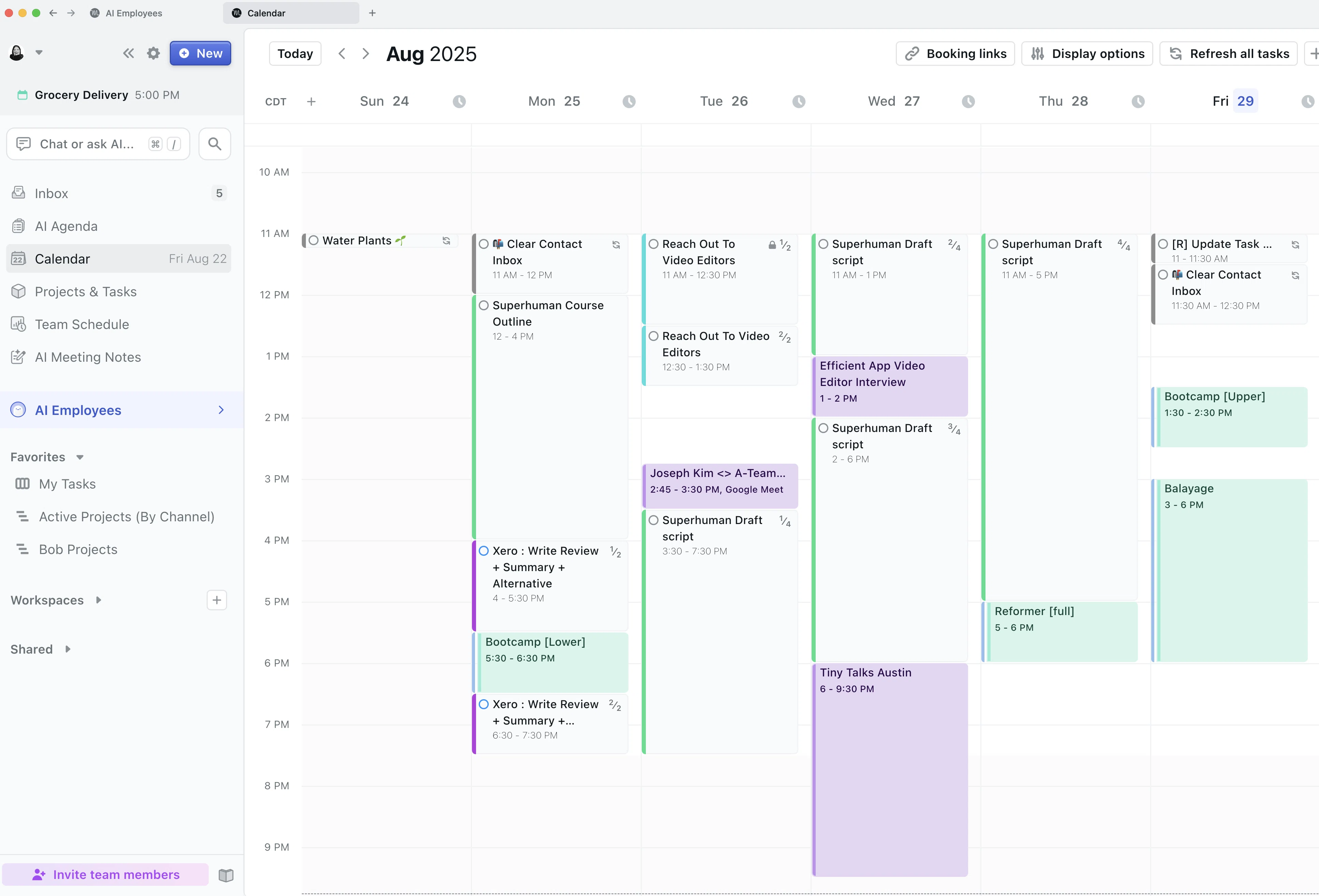
Motion
Motion is best when you want an automatic scheduler to keep rearranging tasks as priorities, deadlines and availability change. It fits if maintaining a plan manually feels like a second job and you are comfortable letting software decide where much of the work lands. That is a meaningful departure from Chunk’s user-directed model, which is explored further in this guide to Motion alternatives for Mac.
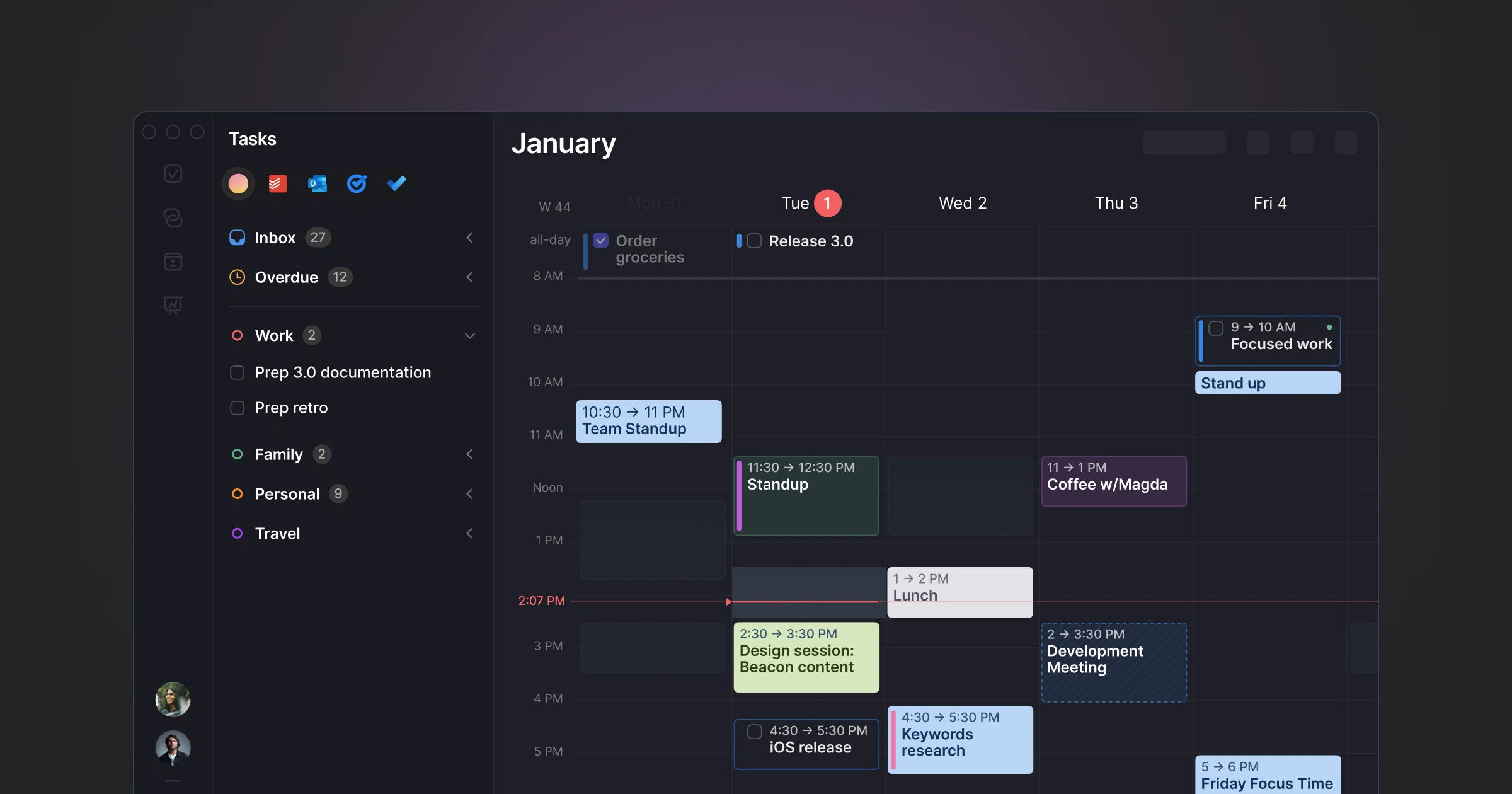
Morgen
Morgen is best when calendar consolidation is the centre of your planning workflow and you need to bring schedules and tasks into a shared view. Its cross-platform desktop presence makes it a stronger fit if your work moves between operating systems or depends on a wider integrations layer. Choose it when calendar aggregation comes first, then test how naturally its scheduling tools handle unscheduled tasks and disrupted days.
Which alternative is best for consolidating tasks?
If your tasks originate in several services, the hardest part may be collection rather than scheduling. A consolidation tool reduces inbox switching by pulling work into one planning surface. The risk is complexity: every additional connection introduces another status, shortcut and place where a task can change.
Akiflow
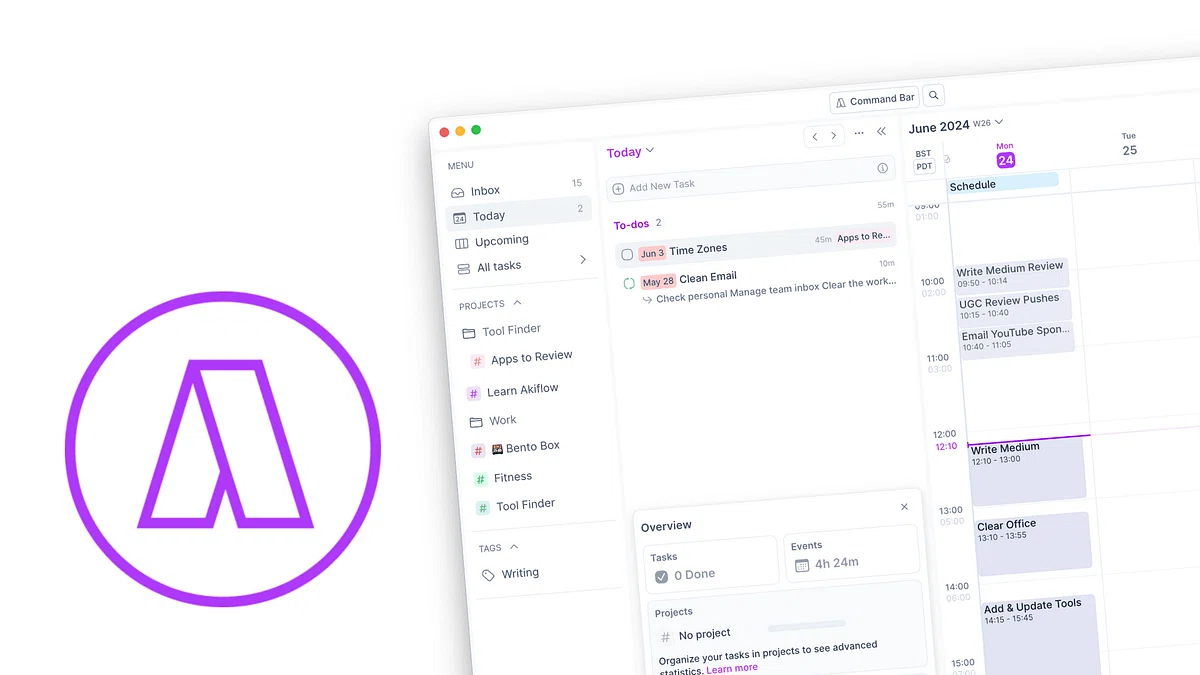
Akiflow is best when you want to collect tasks from several services and process them through a keyboard-led planning workflow. It fits if command controls, fast capture and broad task consolidation matter more than keeping the setup narrow. Compare the integrations you actually use rather than the total list, then read the Akiflow alternatives for Mac guide if consolidation is your main criterion.
Things 3
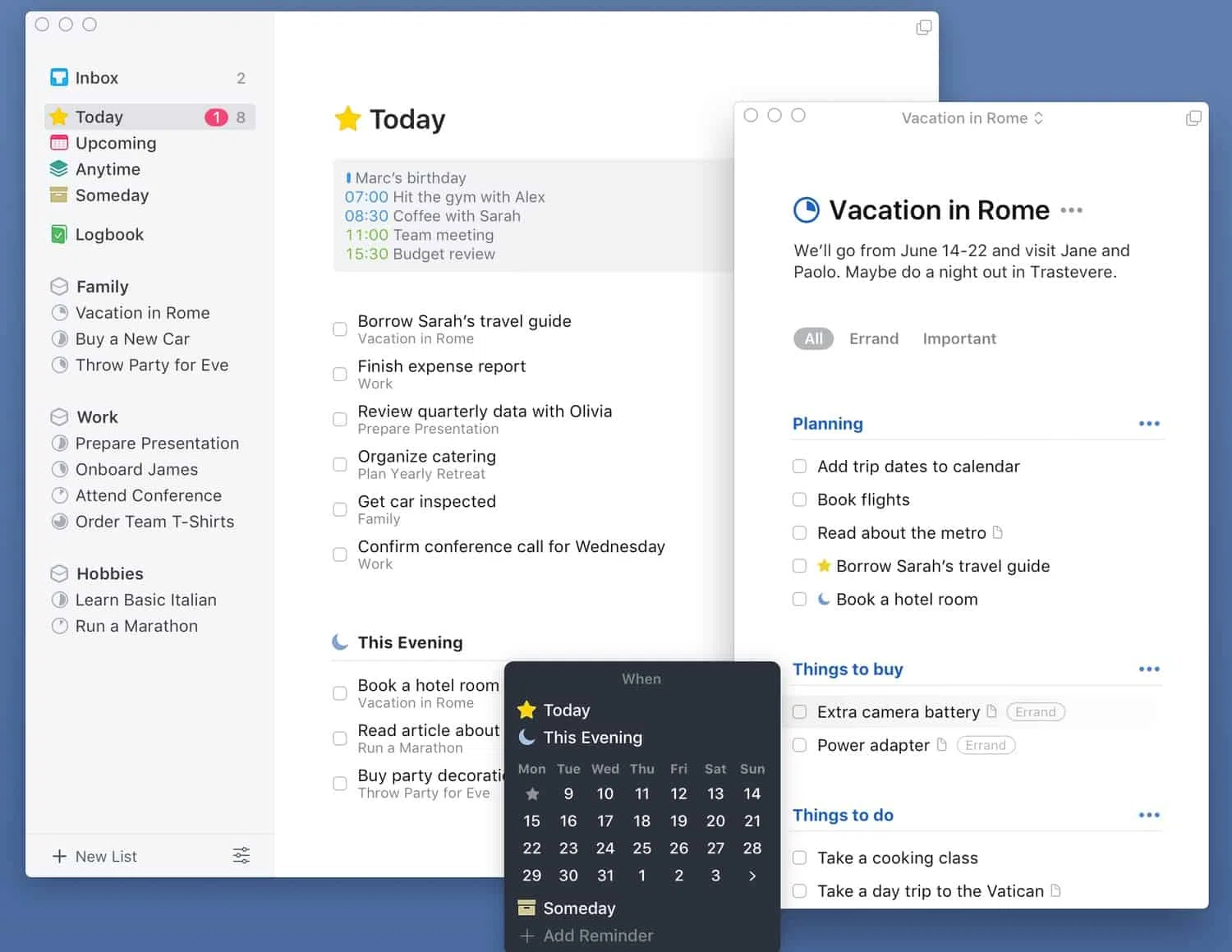
Things 3 is best when you want an Apple-focused task manager built around projects, areas and clear lists. It fits if organising work and choosing the next action matter more than arranging tasks as editable calendar blocks. Things 3 has a loyal user base but is also notorious for having close to no feature updates.
Which alternative works best when your calendar comes first?
You may not need another full task system if your calendar already holds most of the day. A calendar-first alternative can offer better event creation, invitations and schedule viewing, but it may leave personal tasks in a separate list. Check whether “time-blocking” means placing tasks on a timeline or merely creating ordinary events with task-like names.
Fantastical
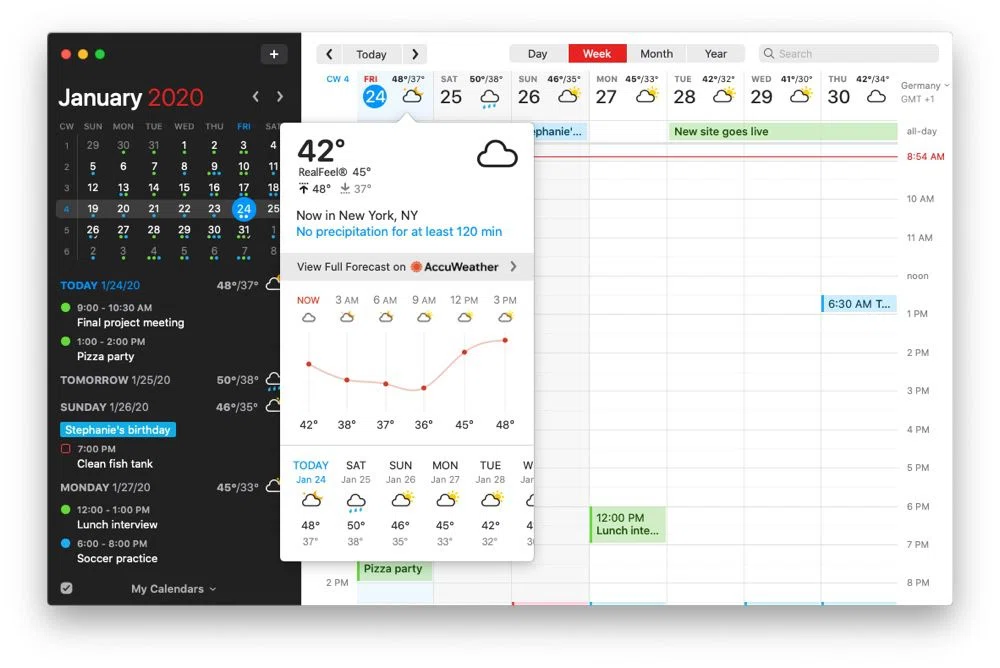
Fantastical is best when you want a polished Apple-focused calendar client and your schedule is primarily made of calendar events. It fits if calendar browsing, event entry and invitations matter more than maintaining an unscheduled task list and a task-to-block workflow in the same app. You can reserve focus time as ordinary events, but each item starts as a calendar commitment rather than a task waiting to be planned.
The distinction becomes clearer when work is not ready for a fixed time. A task-led planner can keep it in an inbox, attach a duration or deadline, and move it onto the timeline only when you are ready to commit. A calendar-first app encourages you to create the event immediately, which can be simpler if almost everything you manage already has a start and end.
Test this difference with a flexible task that may move twice during the day. If you are comfortable treating it as an event from the beginning, Fantastical may be enough. If you want to preserve the relationship between the task, its scheduled block and its completion state, prioritise a planning-first alternative.
How do the seven alternatives differ from TickTick?
The useful dividing line is not the length of each feature list. It is who controls the schedule and where the source of truth lives. Chunk, Sunsama and Akiflow expect you to make deliberate planning decisions. Motion leans into automatic rescheduling. Morgen starts from calendar consolidation. Things 3 starts from task organisation, while Fantastical starts from calendar events.
Choose Chunk for manual task-to-calendar planning on Mac, two-way Apple, Google and Outlook calendar sync, Apple Reminders integration, and a one-time licence.
Choose Sunsama for a guided daily ritual and deliberate workload review.
Choose Motion when automatic scheduling is the main capability you want.
Choose Morgen when combining calendars across desktop platforms is the starting point.
Choose Akiflow when consolidating tasks from several services matters most.
Choose Things 3 when a refined Apple task manager is more important than calendar time-blocking.
Choose Fantastical when you need a calendar client first and a task planner second.
The alternatives also demand different habits. Sunsama works best when you commit to its planning ritual. Motion asks you to trust automatic replanning. Akiflow rewards learning its keyboard-led controls, while Morgen rewards connecting the calendars and task sources that matter. Things 3 and Fantastical stay closer to their core jobs, so you accept a clearer boundary between task management and calendar planning.
Pricing can narrow the field, but it should not decide the workflow by itself. Chunk includes a seven-day free trial followed by Lifetime or Family one-time licence options, while several broader planners rely on recurring subscriptions. If predictable ownership matters, compare more time-blocking apps without a subscription.
How should you test a TickTick replacement?
Do not migrate every list on the first day. Pick one ordinary workday containing three different commitments: a fixed meeting, a task with a deadline, and flexible work that can move. Recreate that day in each shortlisted app and count the steps required to turn the flexible work into protected time.
Then change the plan. Move one block, shorten another, and add an unexpected meeting. A useful time-blocking app should make revision feel normal, not like repairing a broken schedule. In an automatic planner, inspect what changes without your input. In a manual planner, check whether moving the work preserves its task details and duration.
Test collection separately from scheduling. Add a new task from the place where work normally arrives, whether that is the app’s own inbox, an integration or Apple Reminders. Check how clearly you can tell whether the source task, planner copy and calendar block are the same item or separate records that may drift apart.
Finally, inspect what happens after a block ends. Can you complete the task, reschedule unfinished work, or return it to a list without losing context? This recovery step is easy to miss in a polished demo, yet it determines whether the planner remains useful on a day that does not go to plan.
Which TickTick alternative should you choose?
Choose the alternative whose planning model matches the problem you are trying to fix. Pick Sunsama for guided reflection, Motion for automatic scheduling, Morgen for cross-platform calendar consolidation, Akiflow for task-source consolidation, Things 3 for list-led task management, or Fantastical for an event-first calendar. Pick Chunk when you want to place tasks onto a Mac timeline yourself and plan around Apple, Google or Outlook calendars.
Use your least predictable day as the deciding test. A tidy sample schedule can make every app look suitable, but the real question is how each one handles a late meeting, an unfinished block and a task whose duration was wrong. Notice whether you can revise the plan without losing the relationship between the task and its scheduled time.
The calendar connection deserves a practical check too. Connect the accounts that contain your real commitments, select only the calendars you need, and confirm which ones allow editing. Then create or move one ordinary event and verify that the change appears at its source, because avoiding double-booking matters more than the length of an integrations list.
Try the time blocking app for Mac with one real day rather than a sample project. Add the work that keeps slipping, place it around the meetings already on your calendar, and revise the timeline once. If that sequence feels clearer than managing TickTick’s broader feature set, you have found the replacement that fits the job.
Chunk vs the field.
A quick side-by-side. We kept it honest — Chunk isn't the right fit for everyone, and that's fine.
Chunk
This is usPricing reflects each tool's lowest-tier individual plan at time of writing. Check the source for current numbers.

.webp)